For more than 15 years now, my company (PG Trionic Inc) has used Apple Mac computers – mostly the 27″ iMac version. The machines are very reliable and don’t have the problems with updates and drivers that we were always dealing with when we previously used Windows PCs.
While office programs like Word and Excel are fine, I have until recently coded all our products software using Windows tools – and we’ve happily used Parallels to make it easy (indeed Parallels is easier than using a “real” Windows computer, because we can simply “clone” an existing setup to a new Apple Mac when we buy one).
With the end of Intel-based Apple computers a few years ago, I stocked up on Intel iMacs for my office (and also got one of the last Intel MacBook Pros); I did some early tests with the first Apple Studio but the M processor prevented Windows use.
But now things have changed a lot … Parallels has for a year or more supported running “Windows on Arm” and I’ve confirmed that every Windows program we use (including the ones I’ve written) all work fine – there’s still a bit of a challenge with device drivers for unusual hardware, although the RS232 ports we use are supported now. I’ve also over the last year completely rewritten our most important computer support program and it of course also works on Windows Intel and Windows Arm.
So over the last week, I’ve replaced most of my Intel iMac machines with Apple M machines and I now have an Apple Studio M2, Apple Mac Mini M4, and Apple MacBook Air M4 … there’s still two Intel iMac machines running (in case I have a need to debug our old products, for example), but I expect almost all my work now to be done on these new machines – we also lost Skype support recently and Microsoft Teams doesn’t even run on our older iMac machines.
So here’s a view of my office area with its six computers and all the test / development equipment I have (why so many computers/desks/etc for one person? Well it makes it easy for me to switch from one task to another just by moving to a different setup). This first view is one of the two Intel iMac machines (this one is primarily a running backup) – behind it you might be able to see two more dual-screen setups on standing desks:

Another view here, looking at the newly set up M4 Mac Mini with Apple Studio display (really high quality) and a second 27″ Samsung monitor (poor, in comparison!); the two standing desk setups are more visible here, the left is the “legacy” Intel iMac that can debug old products, the right is an M2 Mac Studio (with another Apple Studio display):
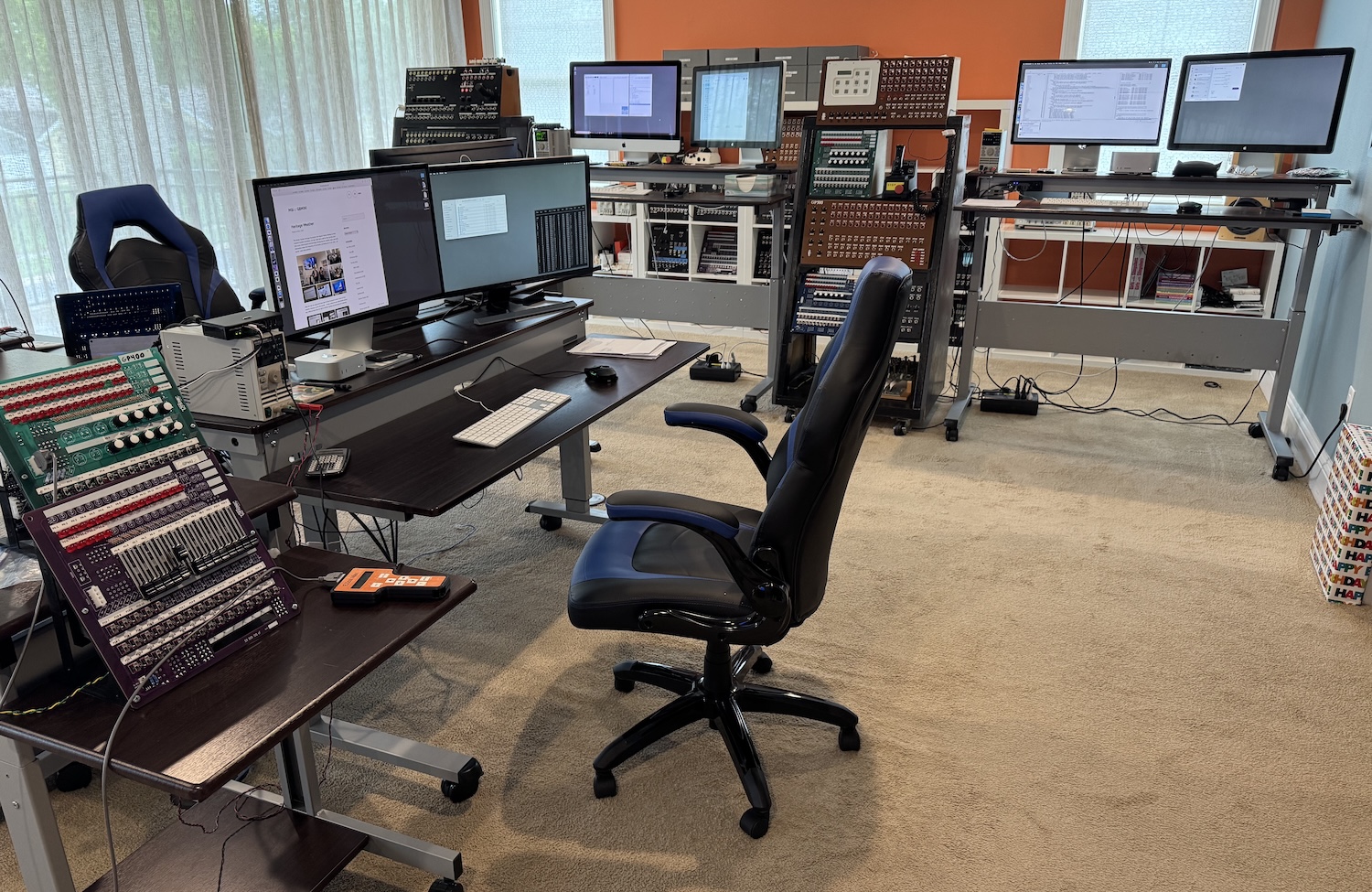
Finally, behind the above views are two more computers – one is another “legacy” Intel iMac and the second is my new M4 MacBook Air (connected to a wide but not very good Dell monitor); the screen far in the background in this view is a TV / media player that gives background music during my work time:


 M&I / GBMINI