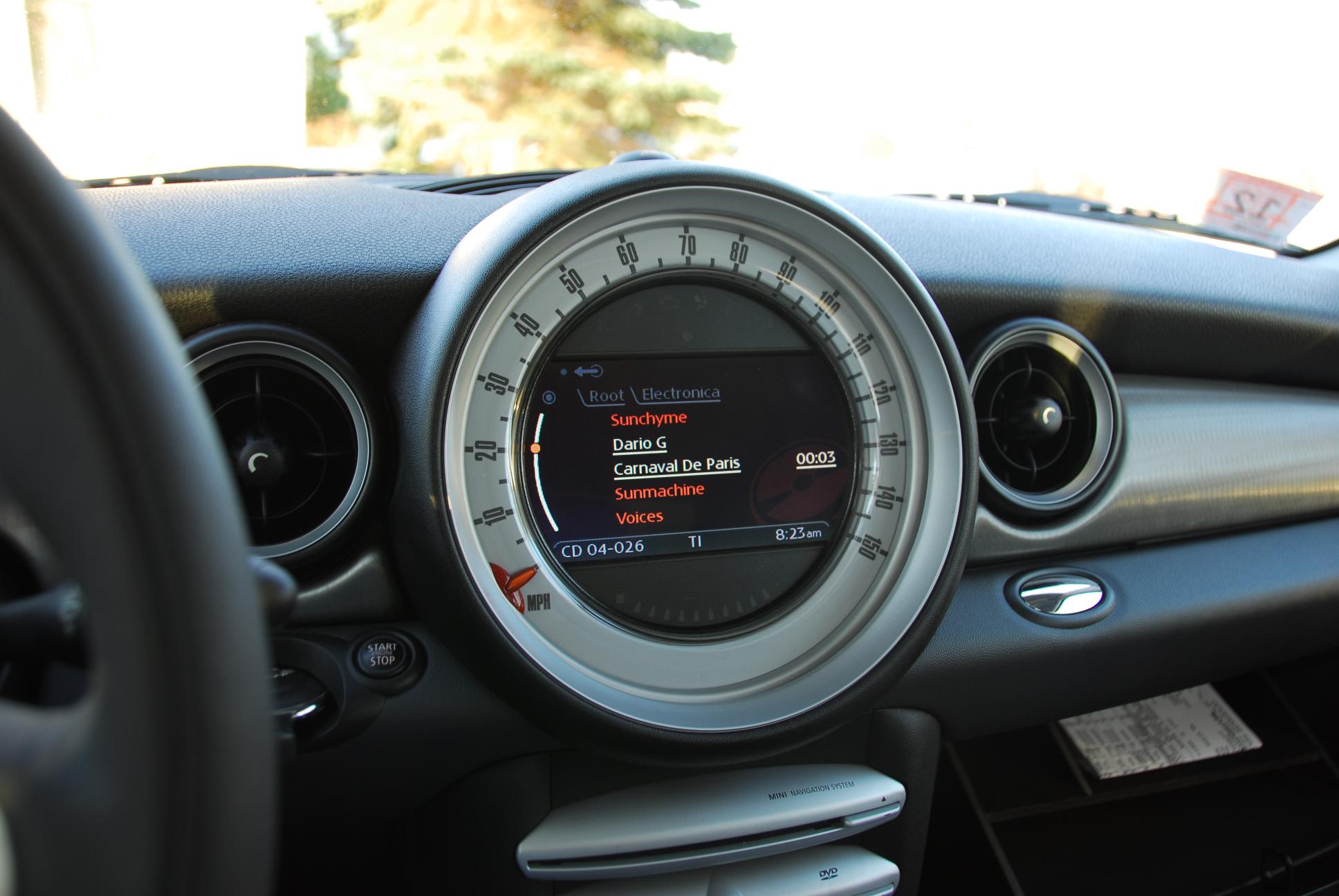
R56 NAV/stereo: that’s not a British accent!

I recently found something curious – initially I thought GBMINI#5 had a German accent, but now I’m not quite so sure what accent it is!

Most of the NAV voice prompts are pre-recorded, but recently I heard the car announce the track number that was playing on my iPod – and it’s an accented computer generated voice:

So, what do you think? German? Something else?

R56 NAV/stereo: Sirius satellite radio

To round out my opinions on the stereo system of the R56 with navigation, here’s a quick look at Sirius satellite radio. The factory system is very expensive, especially compared with a sub-$100 standalone receiver that you could connect to the AUX input … but with the factory system it’s fully integrated to the car, there’s no additional antenna on the roof, and you get your first year of service included.

When you access satellite radio, the NAV screen shows a list of all channels – every one has a check mark next to it, assuming you’ve activated the receiver. Seems a bit odd to show that; why not simply omit channels that aren’t available! But anyway, you get a list of channels and you can rotate the joystick to listen to any one – with less than 200 channels, it’s much easier than the iPod! You can call up a “Details” display for the channel you’re listening to, which shows the artist/title info – but nothing else!

I’m sure this would look fine on the non-NAV R56, but it looks a bit empty here. It would have been better to integrate with the channel list, like the iPod interface does.

You can set up a list of 12 presets for your favourite Sirius channels, you can also access the list by Genre if you wish – but personally I find the 12 presets sufficient to cover all I need, making it extremely easy to access the music I want to listen to.

One interesting feature is that the satellite radio seems to be “instant on”; when the car turns on the music is immediately playing – there’s no delay for a couple of seconds while the receiver powers up and syncs to the channel. I’m guessing that the receiver powers up when the car is unlocked, giving it a headstart, but however it’s done, it’s a noticeable improvement over non-factory solutions (and yes, 2 or 3 seconds isn’t much of a delay, but it’s better if the delay is zero!)

MINI stereo in Porsche

A little bit unusual, but not quite off-topic 😉

I was contacted a while ago by Roy (COOPSTR on NorthAmericanMotoring), saying:
I am trying to install an original 05′ Mini head unit into my 86′ Porsche Carrera. When I turn it on it shows DISABLED. Any suggestions as to a work around? I have been told that it is because it does not have the required Bus signal (also, see this thread)

I knew all about the “DISABLED” message, having worked with the MINI HU when developing my HKenabler – the HU expects to see iBus communications on it’s pin 13, and refuses to operate without it. It’s a security feature to discourage people stealing the MINI HU.
Back in 2003, GBMINI#2 came with a security code card – you could enter a “secret” menu of the HU while it was installed in a MINI, and changed it over from “iBus” security to “CODE” security – then after a power off, it will ask for a four digit security code. This is how I was able to use my HU on the bench.

Now though, the MINI HU no longer includes the CODE feature, so Roy was stuck. At least until I did some bench testing, and discovered that the iBus security check is quite easy to resolve, especially with HKenabler experience! So after resolving a hiccup in my solution, Roy was able to achieve his goal, and was kind enough to send a couple of pictures:

I’m impressed how good it looks in Roy’s Porsche – and as you can see in the second picture, it’s happily working and decoding RDS information 🙂

UPDATE: I had to add one resistor to the HKenabler to make it work as a MINI radio “de-security” module; see picture in the Gallery